WordPress in 2026: advantages, disadvantages and alternatives
WordPress powers a considerable portion of the world's websites. This popularity is no coincidence, but it does not mean that it is the right tool forallthe projects. Here's an honest overview to decide if WordPress is right for you in 2026.
The advantages of WordPress
- Immense flexibility: Thousands of themes and extensions allow you to do everything from a blog to a complex business site.
- Great for content: its management of articles and pages is excellent, which makes it a very good choice forSEO.
- You are the owner: the software is free and you host your site wherever you want.
- A huge ecosystem: easy to find a freelancer or help if needed.
Disadvantages to be aware of
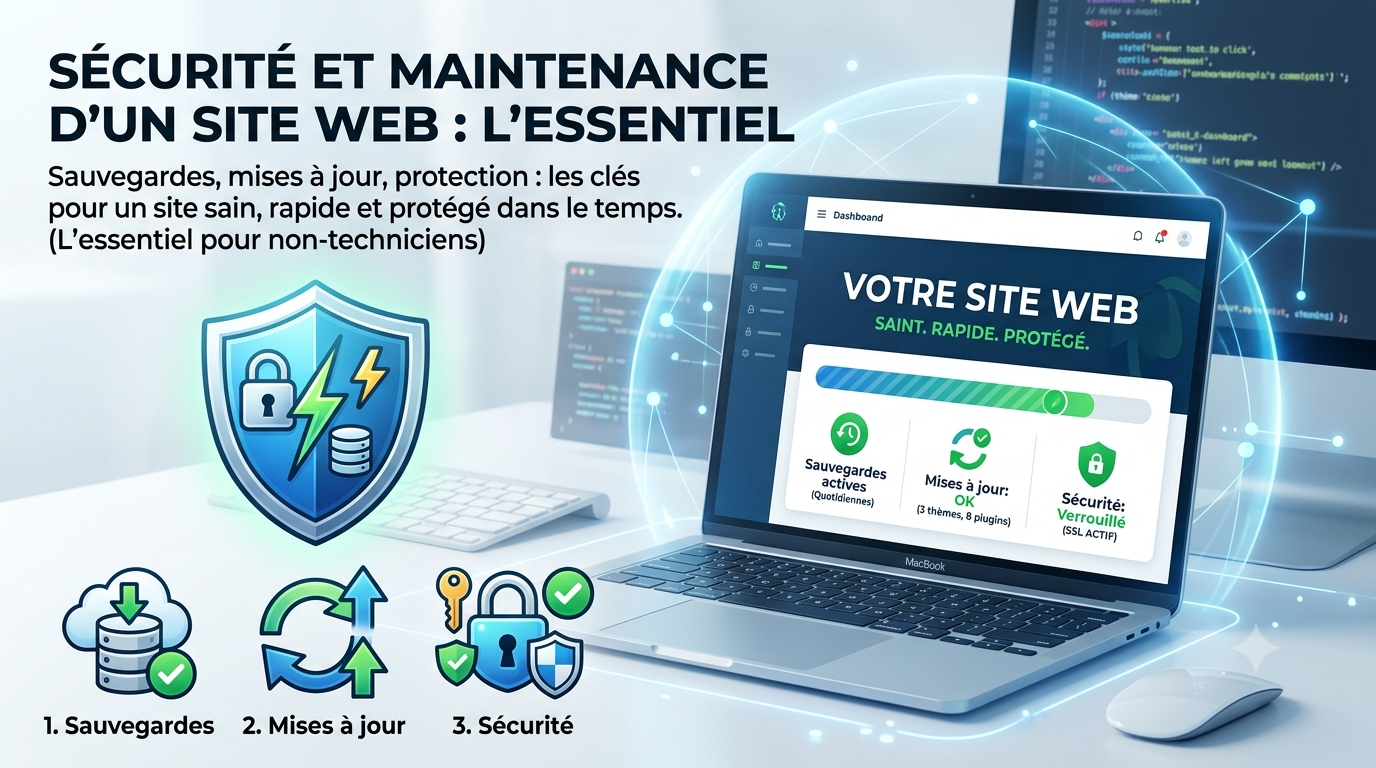
- Maintenance: regular updates of the core, themes and extensions, under penalty of flaws. See our article onsecurity and maintenance of a site.
- Safety: its popularity makes it a target; you need good practices (strong passwords, backups, security extensions).
- The complexity: freedom has a downside: multiplying extensions can make the site heavier and more fragile.
- Accommodation to manage: unlike a turnkey solution, you must choose and maintain your hosting.
WordPress.com or WordPress.org?
Be careful not to confuse:WordPress.orgis the free software that you install on your hosting (maximum freedom).WordPress.comis a turnkey hosted service, simpler but more limited in the basic packages. For a professional project, we generally talk about WordPress.org.
Alternatives according to your project
WordPress is not always the best choice. Some solid alternatives:
- Webflow: for a very careful design without heavy maintenance.
- Wix: for absolute simplicity on a small site.
- Shopify: if you want to sell online (see our comparisonShopify or WooCommerce).
For a complete overview, read our comparisonWordPress, Webflow, Wix, Shopify.
So, WordPress or not?
Choose WordPress if you want a site rich in content, scalable, and you accept a minimum of maintenance (or delegate it). Prefer a turnkey solution if you want as little technique as possible. In both cases, a freelancer can lay your own foundations which you will then manage with peace of mind.
Frequently asked questions
Is WordPress free?
The WordPress.org software is free, but you pay for hosting, domain name and possibly a premium theme or plugins. Count a few dozen to a few hundred euros per year depending on needs.
Is WordPress good for SEO?
Yes, this is one of its strong points thanks to its content management and renowned SEO extensions. SEO depends mainly on the quality of the content and the configuration.
Is WordPress secure?
It can be provided that good practices are applied: regular updates, strong passwords, backups and trust extensions. Its popularity makes it a target, so vigilance is required.