Security and maintenance of a website: the essentials
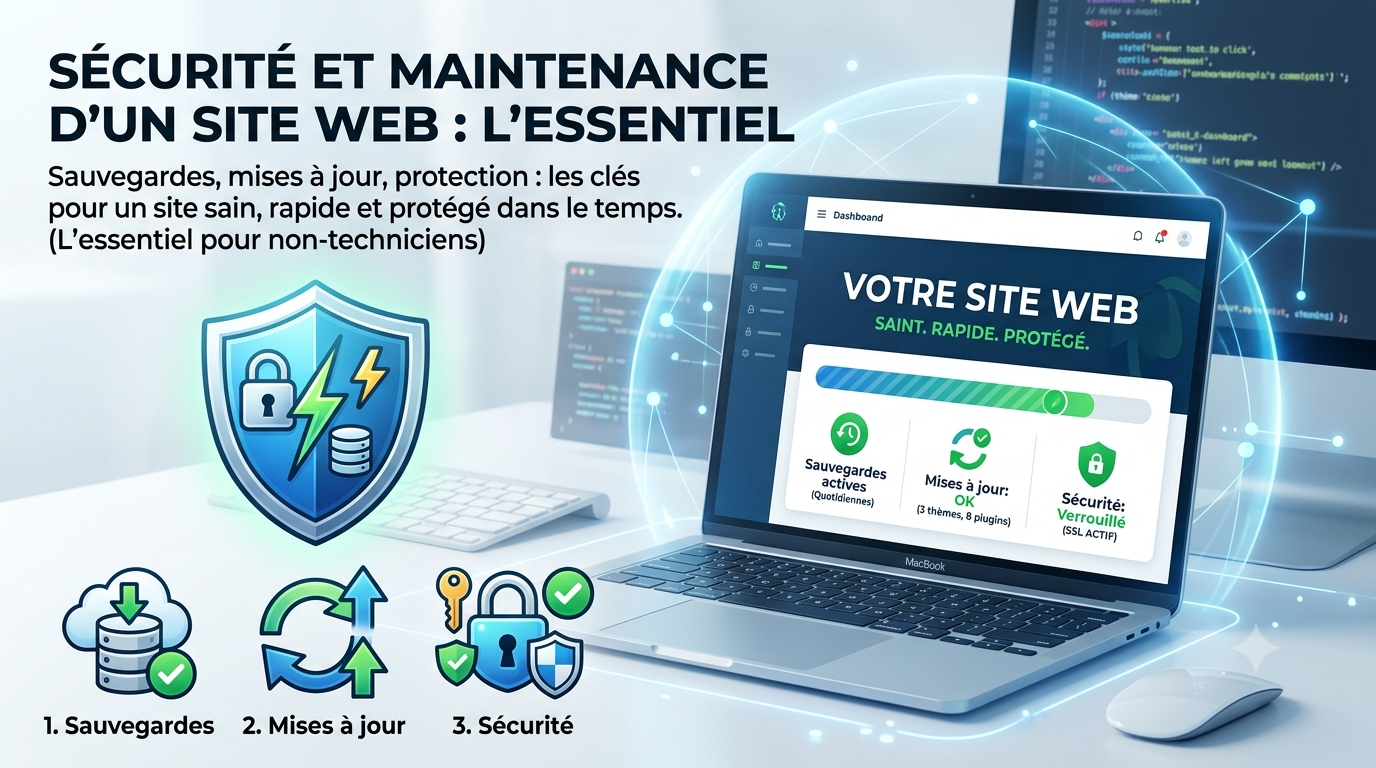
A website is not something you install and forget. Like a car, it requires regular maintenance to remain fast, safe and functional. Here are the essential points to watch out for, even without being a technician.
Backups
This is rule number one. A regular and automatic backup allows everything to be restored in the event of a problem: hacking, mishandling, breakdown. Without backup, an incident can erase months of work. Make sure your site is backed up, and that you know how to restore it.
Updates
Sites built on platforms like WordPress rely on plugins and themes that evolve. Updates fix security vulnerabilities and bugs. To neglect them is to leave doors open. They must be done regularly, ideally after a backup.
Safety
- HTTPS— the small padlock in the browser; it encrypts exchanges and reassures visitors (and Google).
- Strong Passwords— unique, long, and different for each access.
- Limit access— each person only has the rights they need.
- Anti-spam and anti-intrusion protection— especially on forms and connection areas.
Performance
Over time, a site can slow down: images that are too heavy, unnecessary extensions, accumulation of data. Periodic cleaning and image optimization keeps the site fast — which matters for both visitors and SEO.
Is a maintenance contract required?
For a small showcase site, a few good reflexes are often enough. As soon as the site is strategic (e-commerce, lots of traffic), entrusting maintenance to a professional avoids unpleasant surprises and frees your mind. This is a modest cost compared to the risk of a site being down or hacked.
To go further
How much does a website cost? · The basics of SEO · Have your site created by a freelancer