Notion, Airtable, Google Workspace: organize your business
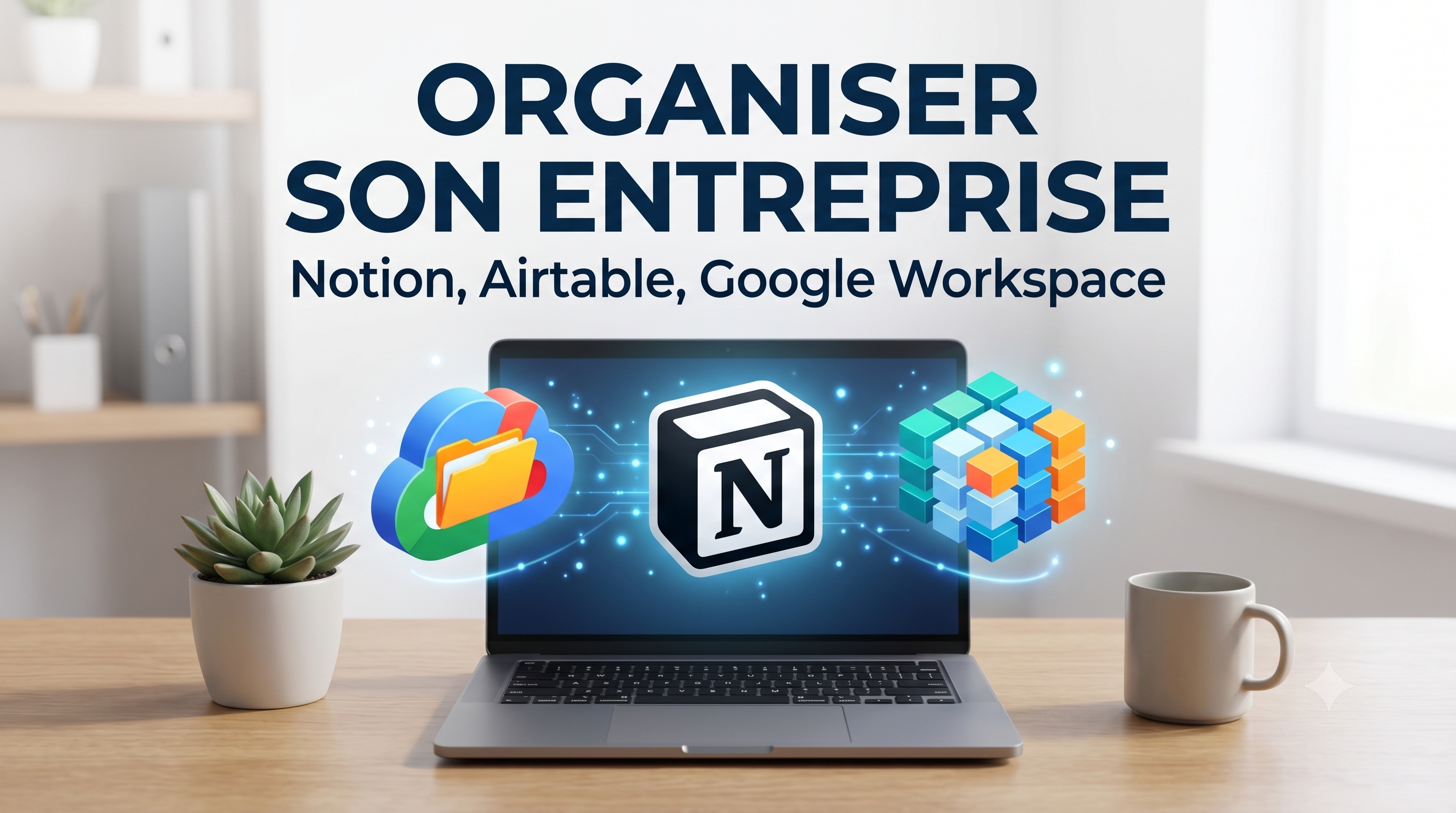
When a business grows, clutter is costly: scattered information, untraceable files, duplicates. Three tools always come up when structuring a small business. They don't do the same thing — here's how to place them.
Google Workspace — the foundations
Professional email, calendar, shared documents, spreadsheets, storage: Google Workspace covers the basis of daily work. Everything is online, shareable and accessible everywhere. It is often the first brick that a company puts in place, and it is enough for a long time.
Ideal for:office automation, collaboration on documents, communication.
Concept — the brain of the company
Notion is used to bring together notes, documentation, internal wiki, project monitoring and knowledge bases in the same place. Very flexible, it adapts to almost all uses. Its strong point: centralizing information so that the whole team knows where to look.
Ideal for:documentation, project management, knowledge organization.
Airtable — the visual database
Airtable looks like a spreadsheet, but it's a real database: customer management, stock tracking, content planning, lightweight CRM. It structures linked data, with views (table, calendar, kanban) as needed.
Ideal for:manage structured and linked lists (clients, products, projects).
How to combine them
These tools do not oppose each other: many companies use Google Workspace for office automation, Notion for documentation, and Airtable for business data. We can evenconnect via automationso that they can update each other.
The right reflex
Don't look for the perfect tool: choose one, structure a first building block (for example your customer base), and make it evolve. The organization is built gradually. A specialized freelancer can lay a solid foundation that you will then manage yourself.
To go further